Free Tier List Maker
Rank anything in seconds. Add your own pictures or text, drag them into tiers, then download the image or share a link — free, no sign-up, nothing to install.
Drag items into a tier with your mouse. On a phone, press and hold an item to drag it, or tap an item and then tap a tier. Tap a tier name to rename it, and 🎨 to change its colour.
Popular tier list templates
Start from a ready-made list with pictures — just open one and start ranking.
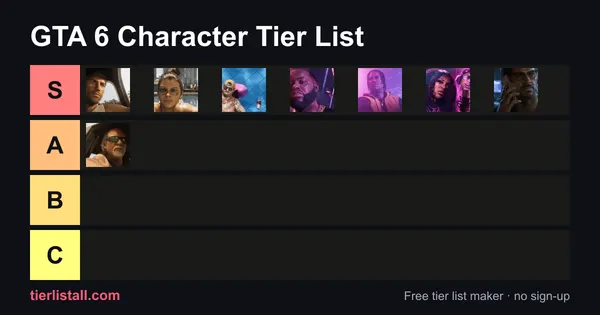 GTA 6 Character Tier List8 items · Culture, Games & Tech
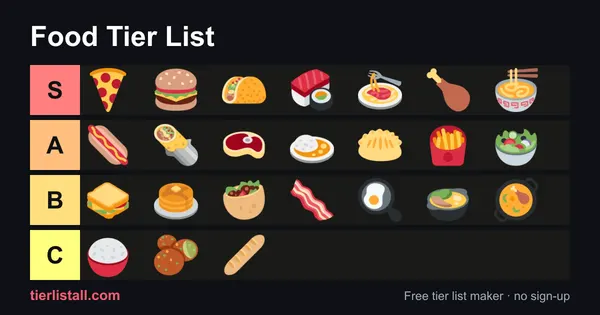 Food Tier List24 items · Food & Drink
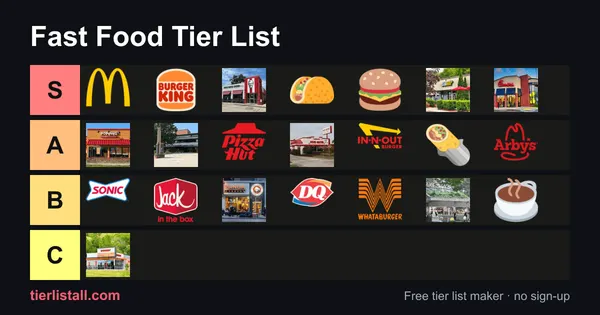 Fast Food Tier List22 items · Food & Drink
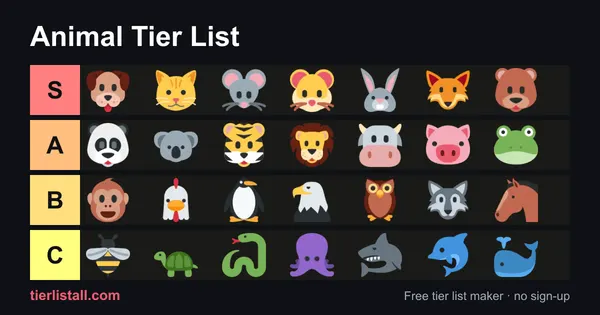 Animal Tier List30 items · Animals
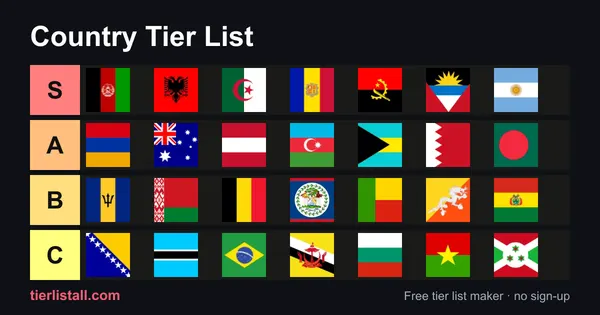 Country Tier List197 items · Countries & Places
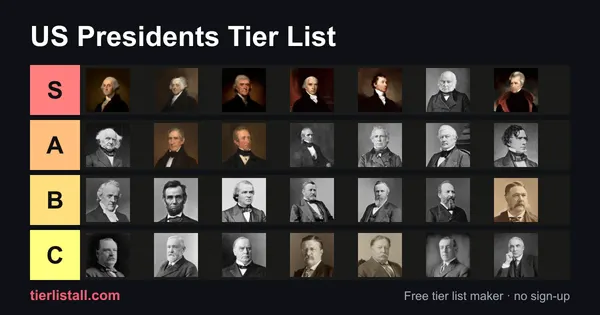 US Presidents Tier List45 items · History
 NFL Teams Tier List32 items · Sports
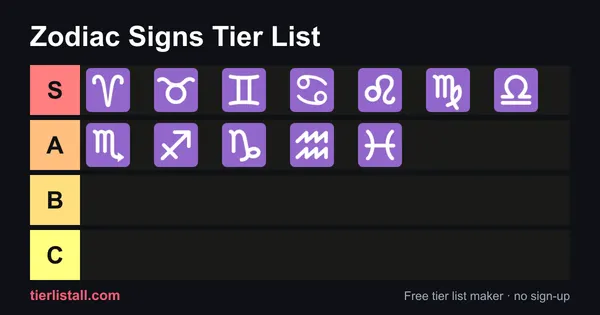 Zodiac Signs Tier List12 items · Life & Fun
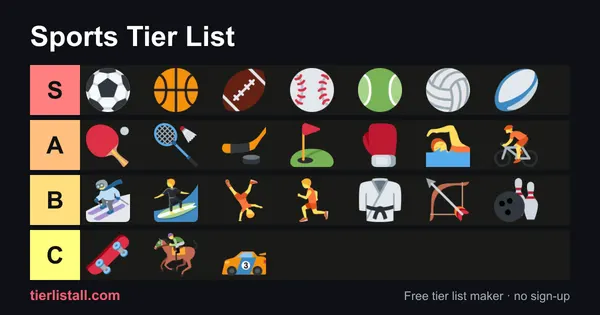 Sports Tier List24 items · Sports
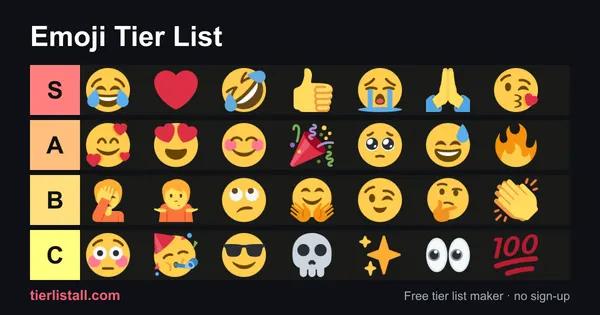 Emoji Tier List30 items · Life & Fun
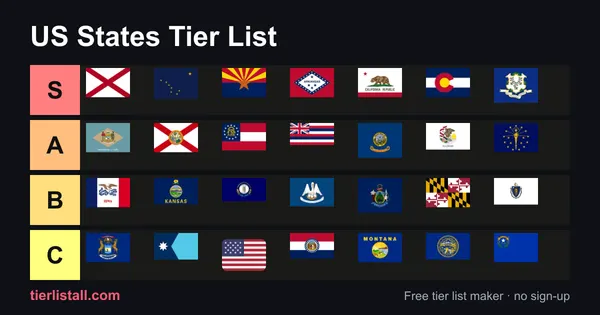 US States Tier List50 items · Countries & Places
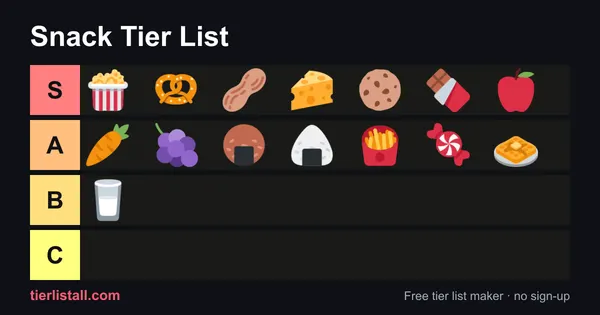 Snack Tier List15 items · Food & Drink
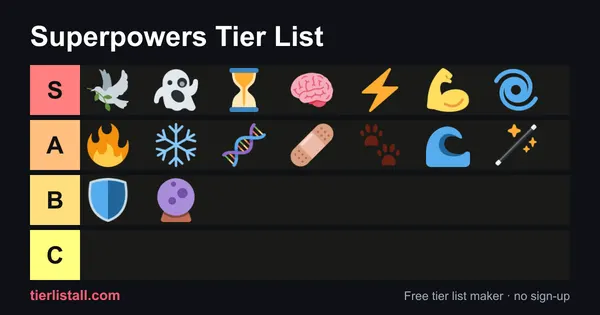 Superpowers Tier List16 items · Life & Fun
How to make a tier list
- Pick a template or start blank. Open any ready-made template, or use the blank maker and add your own items.
- Add items. Click Add images, drag picture files onto the board, paste a screenshot, or type a name and press Enter to make a text tile.
- Rank them. Drag each item into S, A, B, C or D. On a phone, press and hold an item to drag it, or tap an item and then tap a tier. With a keyboard, press Enter on an item and then a number key.
- Make it yours. Tap a tier name to rename it, use 🎨 to change its colour, ▲▼ to reorder tiers, and + to add more.
- Save and share. Download a PNG picture, or copy a share link that opens your exact list.
Why use TierListAll?
⚡ Fast on any device
Lightweight pages that load instantly, with tap-to-place ranking that actually works on phones and tablets.
🔒 Private by design
No account, and your uploaded pictures never leave your device. Lists save automatically in your browser.
🎨 Fully custom
Rename tiers, change colours, add or remove rows, and mix images with text tiles on the same board.
Browse by category
Frequently asked questions
Is this tier list maker free?
Yes. Every feature is free, and you do not need an account or to sign up.
Where are my pictures stored?
In your own browser. Uploaded images are shrunk to small WebP files and saved on your device. They only reach our server if you press Share (so the link can show them) or submit a template.
Can I download my tier list?
Yes. Press Download image to save a PNG picture you can post anywhere. On a phone it opens the share sheet.
Can I change the tiers?
Yes. Rename any tier (S, A, B or anything you like), change its colour, move it up or down, delete it, or add new tiers.
What does S tier mean?
S tier is the top tier: the very best items, a step above A. The idea comes from Japanese school and video game grading, where S (often read as "special" or "superior") sits above an A grade. If something is S tier, it is the best of the best. Read the full guide to S tier.
What do A, B, C and D mean?
Below S, A is great, B is good, C is average and D is the worst. Many people add an F tier for things they really dislike.
Can I share my tier list with friends?
Yes. Copy share link creates a link that opens your exact ranking. The short link keeps everything, including pictures you uploaded.